
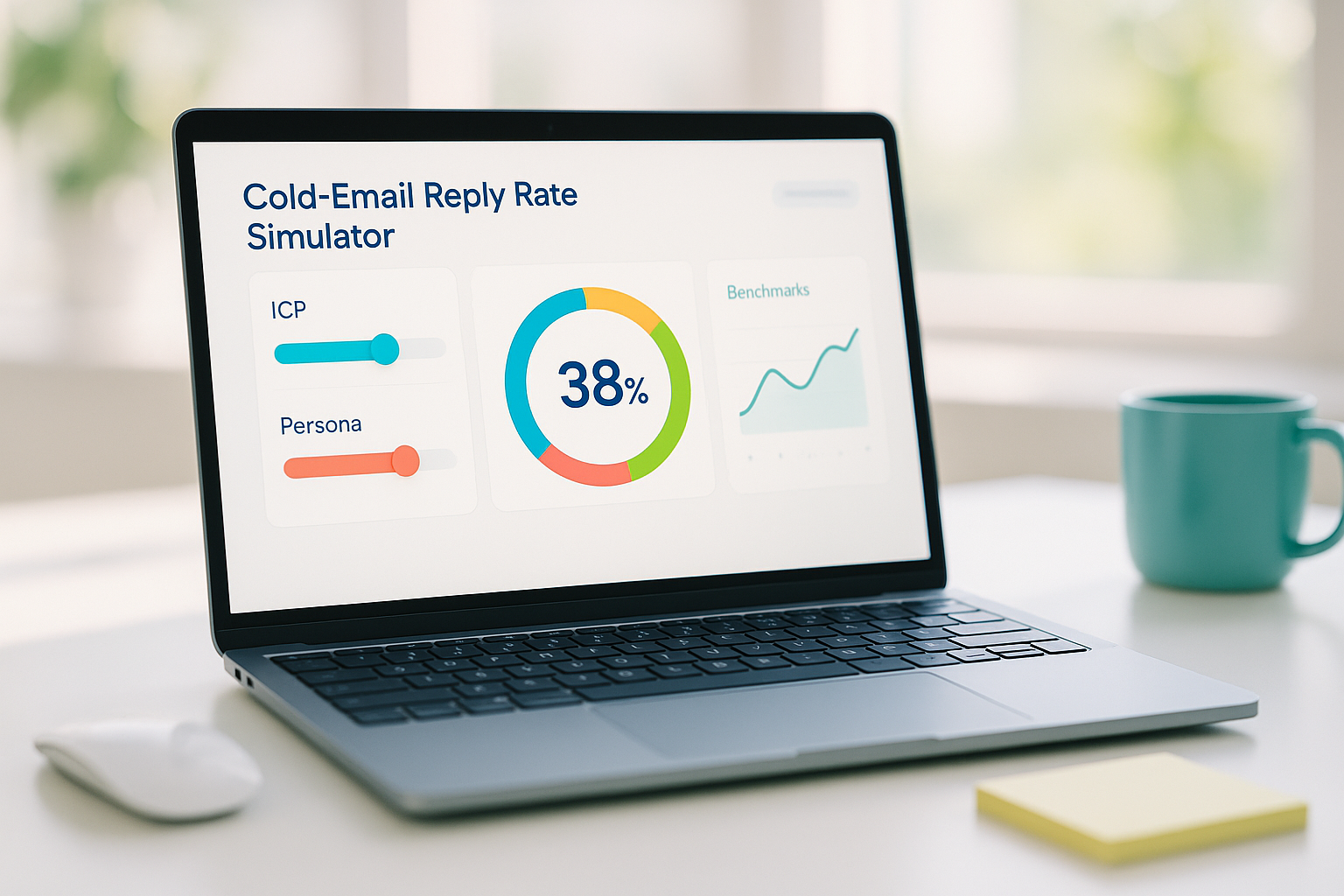
Cold email still books meetings—if you can predict outcomes and tune your inputs. At Way2Connect Solutions (Hyderabad), we use Lead Velocity Math to turn outreach into a measurable system. This post shows how to build a lead velocity calculator for outbound, using a persona-based reply rate model and realistic assumptions so you can forecast meetings before you hit send. We’ll also share the levers that actually move numbers for your ICP.
What is Lead Velocity (in outbound)?
Lead Velocity is the rate at which qualified conversations or meetings are created from a given volume of cold outreach over a fixed period—usually per week. It helps you answer:
- “If we send X emails to Y personas, how many meetings should we expect?”
- “Which persona mix gets us to pipeline fastest?”
- “What improvements move the needle: deliverability, copy, or multithreading?”
If you’ve ever googled cold email reply rate benchmark B2B and felt the numbers didn’t fit your case, this framework fixes that by modeling your specific audience and asset mix.
The variables your simulator needs
1. Volume & Cadence
- Emails sent per week by SDR/AE
- Split of sends across personas (CFO, CTO, Procurement, VP Ops, etc.)
2. Deliverability
- Domain health, warmup, DNS (SPF/DKIM/DMARC), list quality
- Output: % delivered
3. Open & Reply
- Open rate influenced by sender, subject, and brand familiarity
- Reply rate (by persona) driven by message–problem fit and proof assets
4. Positive Reply & Meeting Set Rate
- Positive replies ÷ total replies
- Meetings booked ÷ positive replies
5. Cycle Time
- Days from first touch to meeting
- Used to plan weekly vs. monthly goals
The core equations
For each persona (p) within a week:
- Delivered_p = Sends_p × Deliverability%
- Replies_p = Delivered_p × ReplyRate_p
- Positive_p = Replies_p × Positive%
- Meetings_p = Positive_p × SetRate%
Lead Velocity (weekly) = Σ(Meetings_p across all personas)
Because reply rates vary by role and context, you should anchor your model in a persona-based reply rate model rather than a single global average.
A simple, step-by-step example
Assume a weekly plan of 1,000 sends split by persona, with consistent deliverability and reasonable reply rates for a mid-market IT services ICP.
- Sends: Procurement 420, CTO 360, CFO 220
- Deliverability: 95% (well-warmed domain, clean list)
- Reply rates (per delivered): Procurement 3.0%, CTO 2.0%, CFO 1.2%
- Positive rate: 30%
- Meeting set rate: 60%
Now the math, persona by persona:
1) Delivered emails
- Procurement: 420 × 95% = 399 delivered
- CTO: 360 × 95% = 342 delivered
- CFO: 220 × 95% = 209 delivered
2) Replies
- Procurement: 399 × 3.0% = 11.97 ≈ 12 replies
- CTO: 342 × 2.0% = 6.84 ≈ 7 replies
- CFO: 209 × 1.2% = 2.508 ≈ 3 replies
- Total replies ≈ 22
3) Positive replies
- 22 × 30% = 6.6 ≈ 7 positive replies
4) Meetings booked
- 7 × 60% = 4.2 ≈ 4 meetings/week
So your lead velocity here is ~ 4 meetings per week from 1,000 sends, with the given persona mix and hygiene. The beauty of this simulator: tweak deliverability from 95% → 98%, or increase CTO reply rate via a better proof asset, and you’ll see the projected meetings move instantly.
How to tune the levers (and by how much)
1. Deliverability first
Small gains compound. Moving from 92% to 97% deliverability adds 50 more delivered emails per 1,000 sends. That alone can convert into extra replies without touching copy.
2. Subject + First Line for Opens
Personalize by company event + persona problem. For example: “New SAP rollout—vendor risk playbook for CFOs.” Keep it short, credible, and context-rich.
3. Proof Assets for Positive Replies
Not all assets are equal. We see calculator links, teardown PDFs, and 60-second case clips push more positives than generic decks. Test asset swaps by persona.
4. Multithreading
Don’t wait for a CFO to respond to a technical email. Sequence CTO → Procurement → CFO over 10–14 days. The uplift often appears as multi-reply chains that speed the committee call.
5. Follow-ups that add new value
Every bump should add a new angle: an ROI snippet, a compliance note, or a quick loom. No “just bumping this”—that kills reply quality.
Benchmarks (and why they’re misleading without persona)
Global cold email reply rate benchmark B2B ranges often quoted (0.5%–5%) hide the spread between roles and industries. Your simulator exposes that CTO ≠ CFO ≠ Procurement. For many IT/Services motions:
- CFOs reply lower but convert high when they do.
- Procurement replies higher if you show vendor risk and price clarity.
- CTOs respond to succinct technical credibility and integration specifics.
Building your own lead velocity calculator for outbound
Minimum viable version: a Google Sheet with persona tabs. Inputs on top (sends, deliverability, open %, reply %, positive %, set %). Outputs below (delivered, replies, positives, meetings). Add a dashboard that totals weekly, monthly, and quarterly meetings and shows which lever creates the biggest delta.
Advanced layer: add confidence intervals (low/expected/high), a buying-committee coverage index (unique roles touched ÷ target roles), and a lag factor for longer enterprise cycles.
The Way2Connect approach (Hyderabad, India)
We deploy this model inside a 30-day sprint:
- Week 1: Domain & list audit, persona calibration, baseline inputs.
- Week 2: Sequence build with proof assets tailored per role; deliverability hardening.
- Week 3: AB tests on subject lines, openings, and asset swaps; multithread orchestration.
- Week 4: Review lead velocity vs. plan, isolate winning levers, scale.
The result is an outbound motion you can predict, defend, and scale—not a gamble on averages.
If you’d like Way2Connect Solutions to set up your lead velocity calculator for outbound and tune a persona-based reply rate model for your ICP, we can implement the simulator, craft role-specific assets, and manage the sprint end-to-end.
What is Lead Velocity and how does the Persona Reply Rate Simulator forecast meetings?
Lead Velocity is the rate at which cold outreach turns into booked meetings over a set period. Way2Connect’s simulator models each persona (e.g., CFO, CTO, Procurement) separately. It applies deliverability %, reply rate by persona, positive-reply %, and meeting-set % to your weekly send volume to project delivered emails, replies, positive replies, and confirmed meetings.
What inputs should I use in the Way2Connect calculator?
1. weekly sends per persona,
2. deliverability %
3. open % (optional)
4. reply rate by persona
5. positive-reply %
6. meeting-set %
Advanced fields include buying-committee coverage, follow-up cadence, and cycle time. The output shows meetings/week and which lever (deliverability, asset swap, multithreading) will create the biggest improvement.